About this video
A customer's service representatives must be able to send a pro forma invoice, a draft that shows the customer what the real invoice will look like, without being able to post an actual customer invoice. This video builds that role in Dynamics 365 Finance and Supply Chain Management and checks what it does to the license.
The license impact: the pro forma invoice menu items require a Finance license, so the role moves from Operations - Activity (about $50 per user per month at US list price) to Finance (about $210), even though it can't post an invoice. Denying the invoice doesn't bring the license back down.
The same method works for any "let them do X but not Y" request. It was recorded in Microsoft's USMF demo company with Contoso data.
The steps in the video
- Rebuild Security analysis and save a security version.
- Duplicate the standard role.
- Capture the menu items with Task recorder. It logs your clicks to a file, not a video.
- Load the recording in Security process roles maintain.
- Trace the menu items to the privilege that grants them.
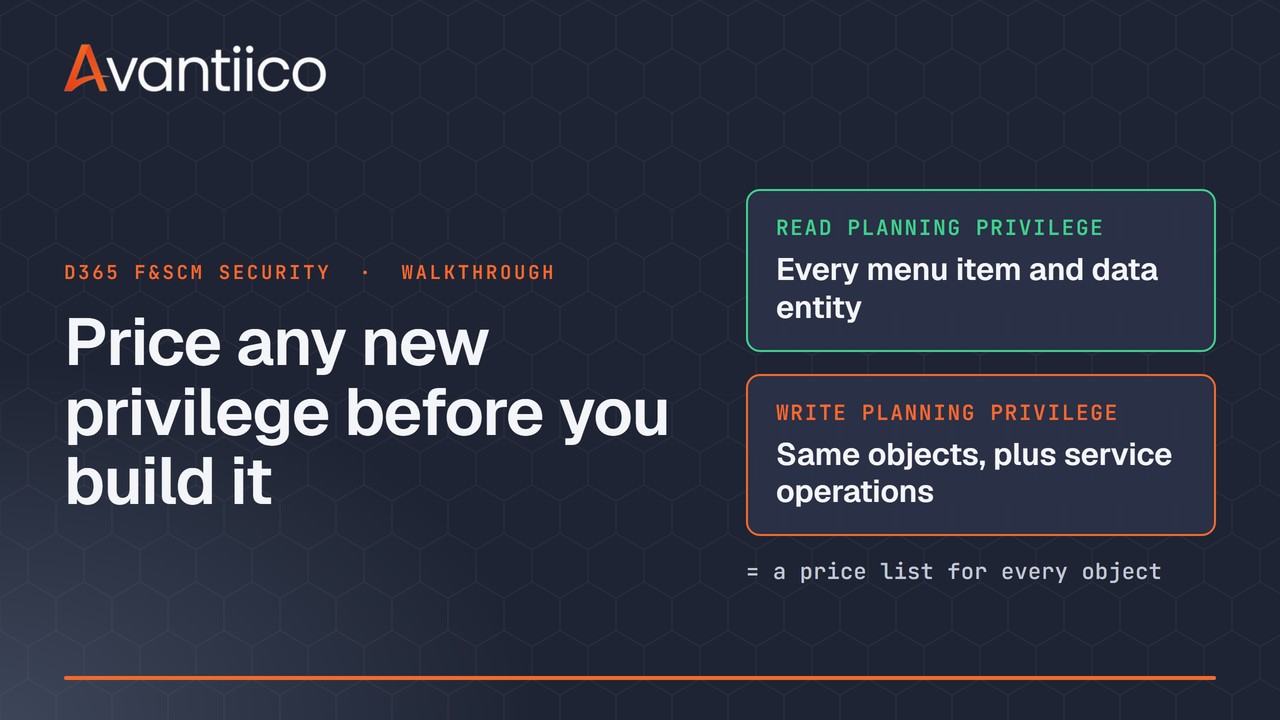
- Duplicate the privilege: Deny the invoice items, keep Grant on pro forma.
- Duplicate the duty, swap in your privilege, and link it to the role.
- Publish and assign, then test with a user who has only this role.
- Check the license in Licenses usage summary > Security object licenses.
Companion article
Pro Forma Invoices Without Posting Rights: A 10-Step Custom D365 Role That Still Costs a Finance License
Chapters
- 0:00The request
- 0:13Step 1: Rebuild and save a version
- 0:32Step 2: Duplicate the role
- 0:44Step 3: Record the task
- 1:07Step 4: Load the recording
- 1:21Step 5: Trace the privilege
- 1:35Step 6: Custom privilege
- 1:50Step 7: Custom duty
- 2:00Steps 8 and 9: Publish, assign, check the license
- 2:26The license impact
- 2:37Roll back and the full guide