About this video
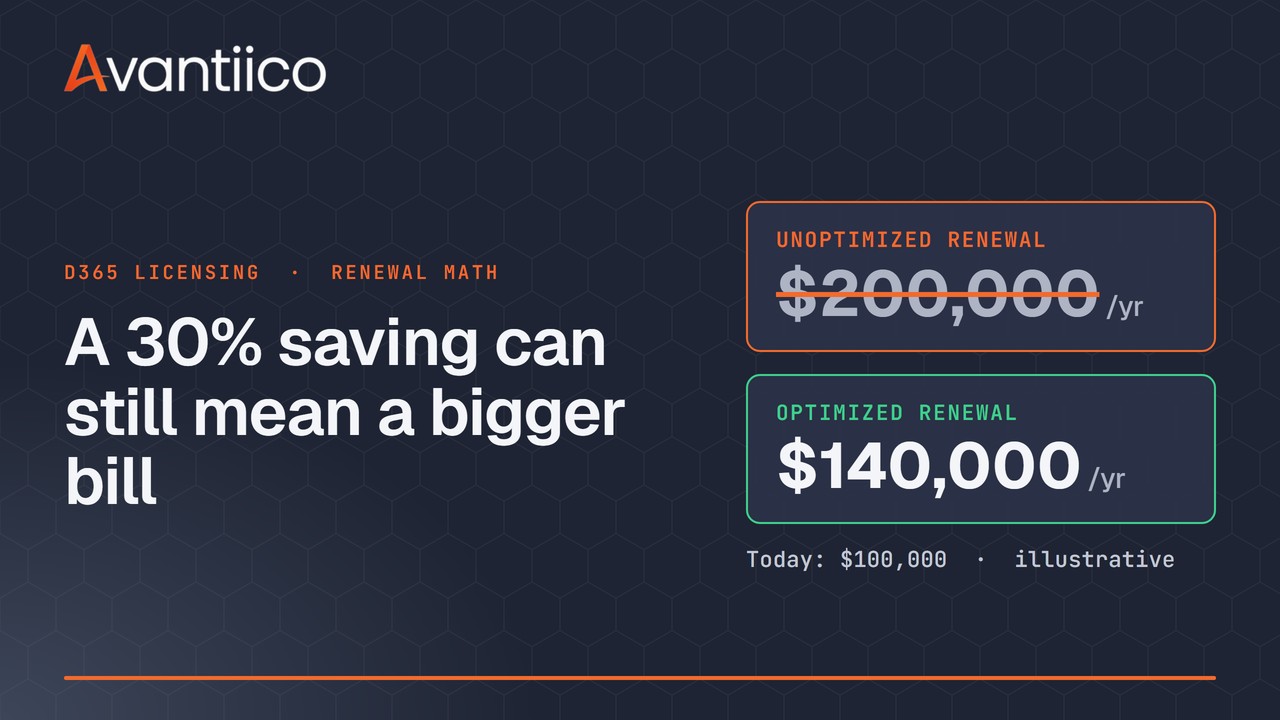
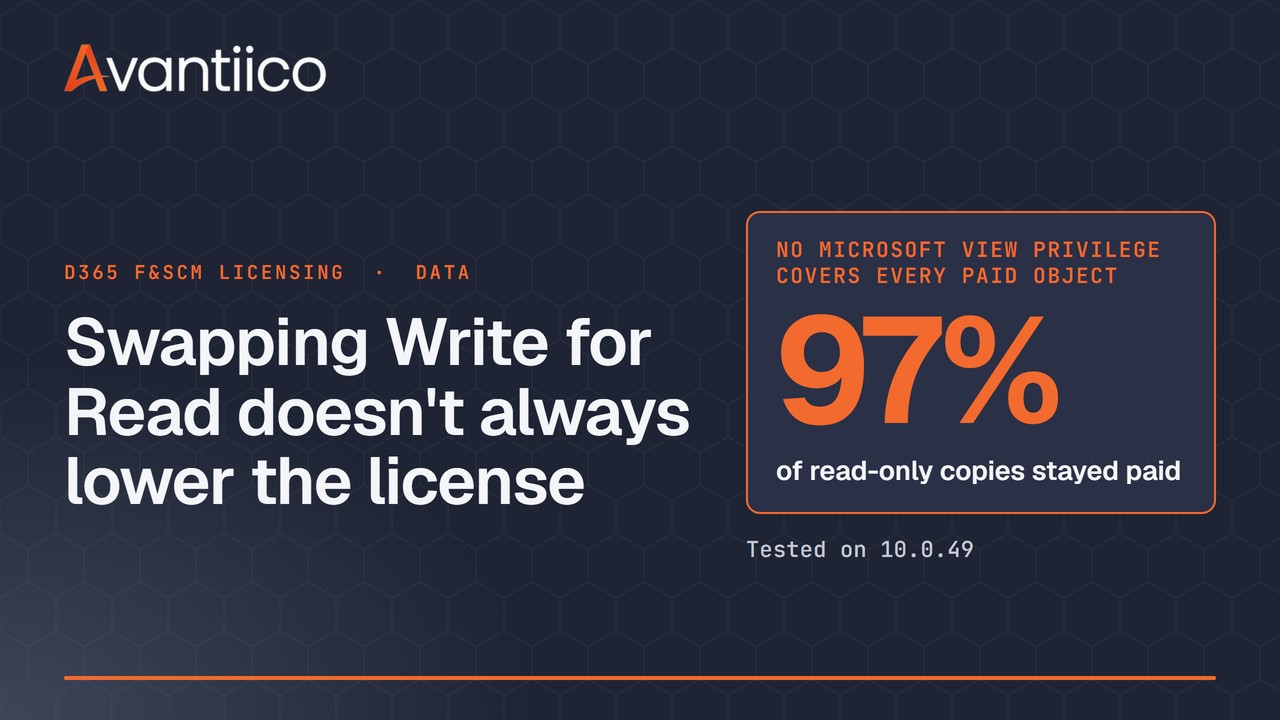
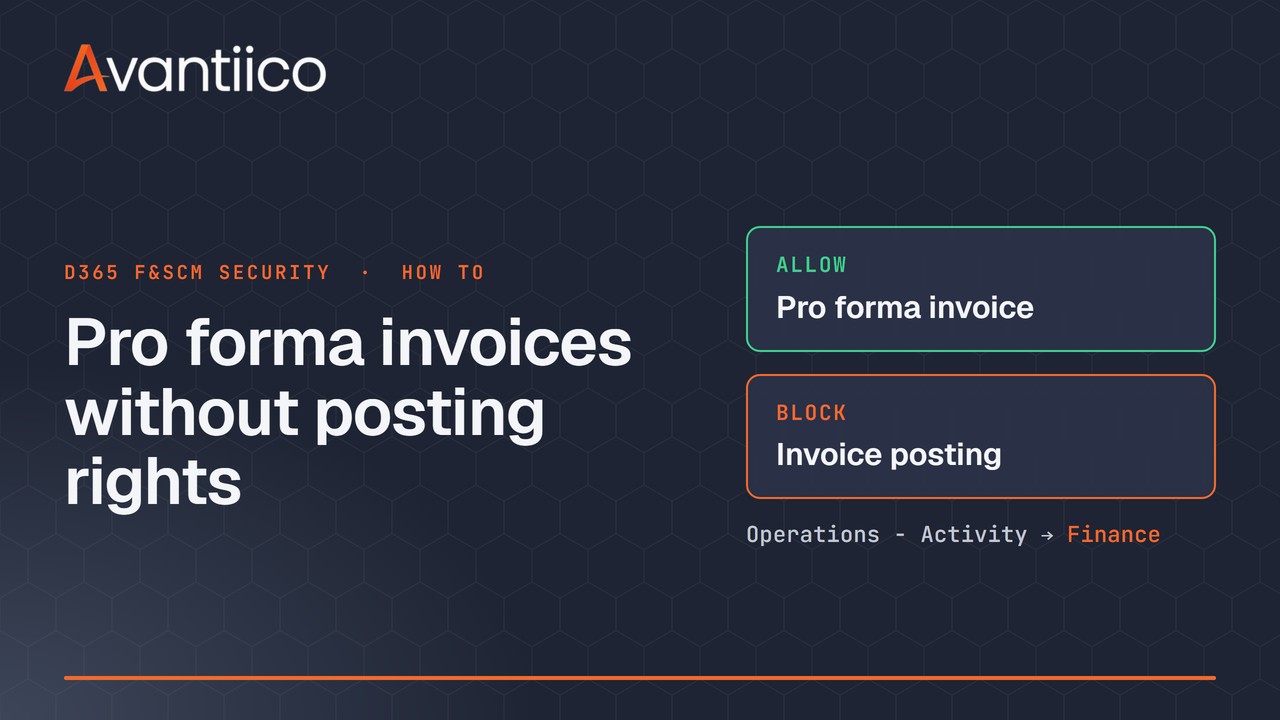
One privilege, added to one shared role to close one support ticket, can move every user on that role from Team Members to a full license. Optimized bills don't drift back up through one big mistake. They drift through dozens of small changes made by people solving a different problem.
The fix isn't another optimization project every renewal. It's a short license check in the change process you already have. Most changes clear it in minutes, because they don't change anyone's license.
The five-step license gate
- Request: route every change through one request.
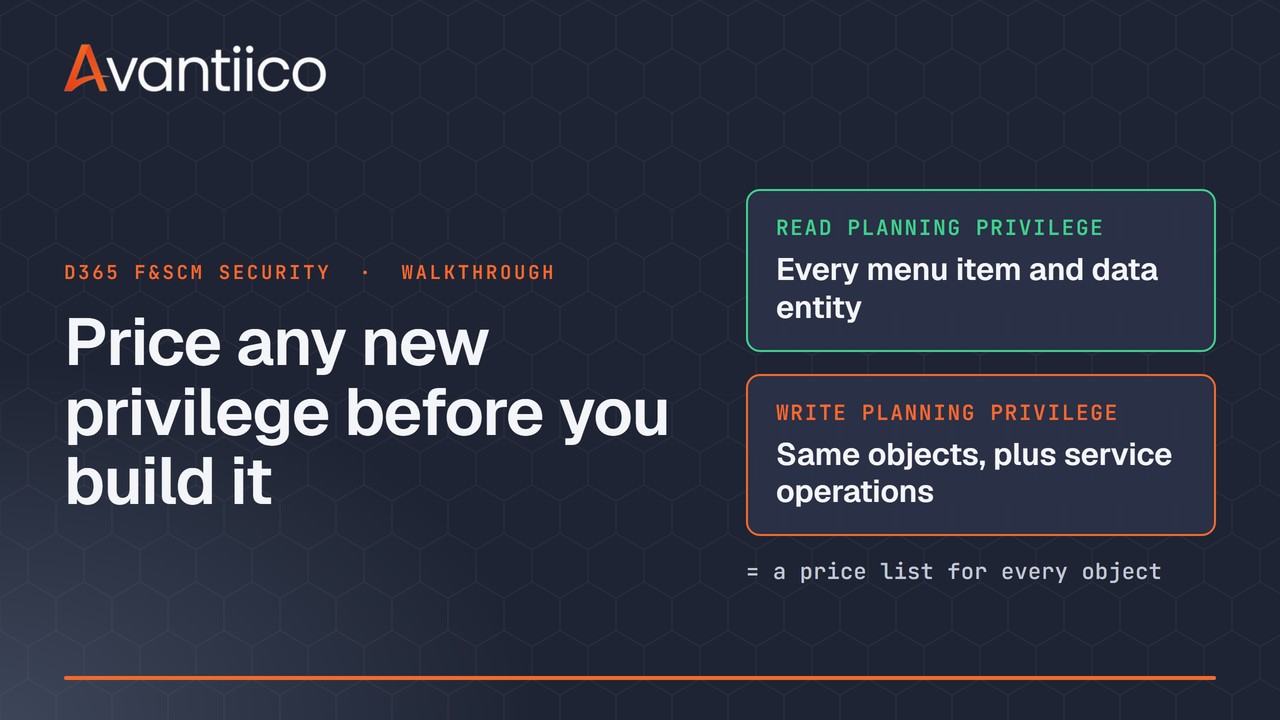
- Look up the license before building, in the Security object licenses view.
- Price it per user: everyone the change reaches, not just the person who asked.
- Approve: the process owner approves the access, and above a threshold you set, the budget owner approves the cost.
- Assign and check: once a month, compare the Power Platform admin center license report with your target.
Rules that keep the gate cheap
- Never edit a Microsoft role in place. Duplicate it, then change the copy.
- Build new hires from role templates, not from a colleague.
- Always scope assignments to legal entities.
- Recheck the license after every fix, including support fixes.
- Review automatic role assignment rules after a redesign.
- Read each new Licensing Guide edition.
Companion article
Your License Bill Drifts Back Up Unless Someone Prices Every New Role