About this video
Every full Dynamics 365 Finance or Supply Chain license adds 5 GB to your tenant's database allowance. A license optimization lowers the bill, and it lowers that allowance too. Your data doesn't shrink, and nothing breaks on the day the licenses change, so it's easy to miss.
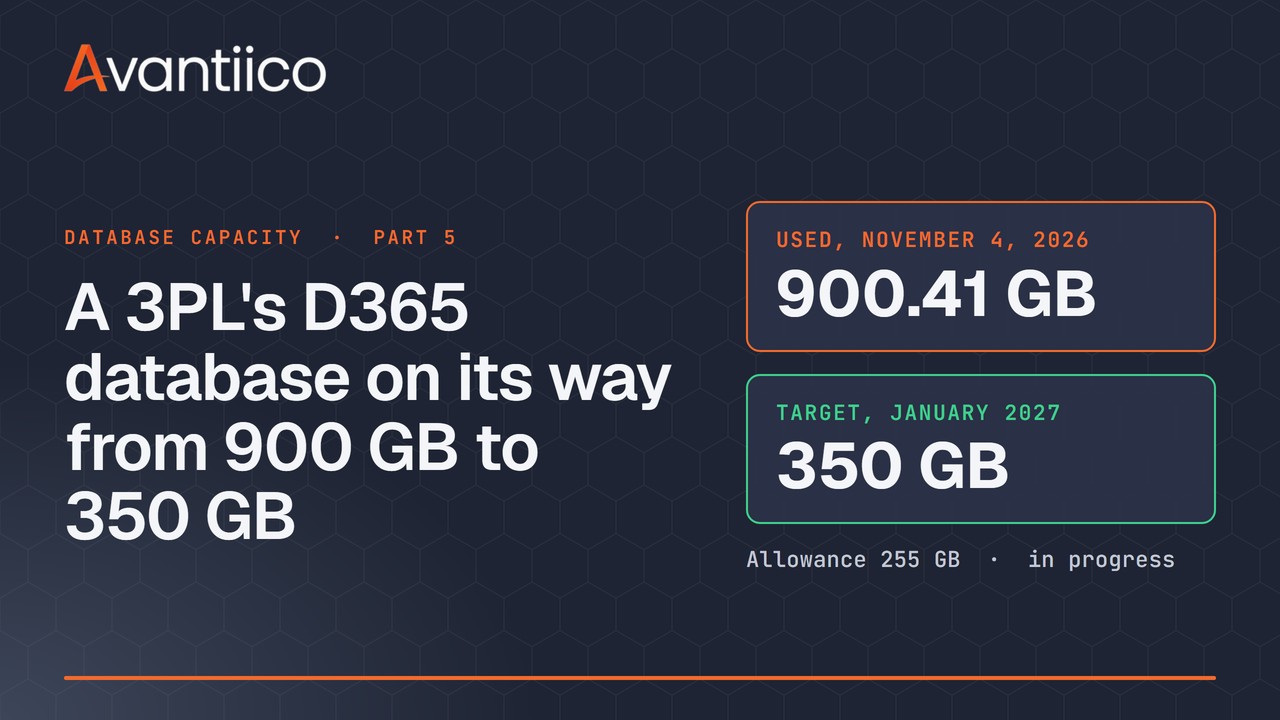
In the illustrative example, a tenant with 200 Finance users and 1,000 GB of data cuts 100 licenses: the allowance drops from 1,090 GB to 670 GB, leaving it 330 GB over. One real tenant had 255 GB allowed against 900.35 GB used. This is Part 1 of the Database Capacity series.
What it covers
- Where the allowance comes from: 90 GB per tenant, plus 5 GB per full user, 10 GB per Premium user, and 1 GB per Operations - Activity user. Team Members and attach licenses add nothing.
- One allowance per tenant: production, every sandbox, reporting, and the entity store all draw on it.
- What a license cut removes: 4 GB per user moved to Operations - Activity, 5 GB per license removed.
- An illustrative example: 200 Finance users, 1,000 GB of data, 100 licenses cut, 330 GB over.
- A real tenant: 255 GB allowed, 900.35 GB used, and how to read both capacity views.
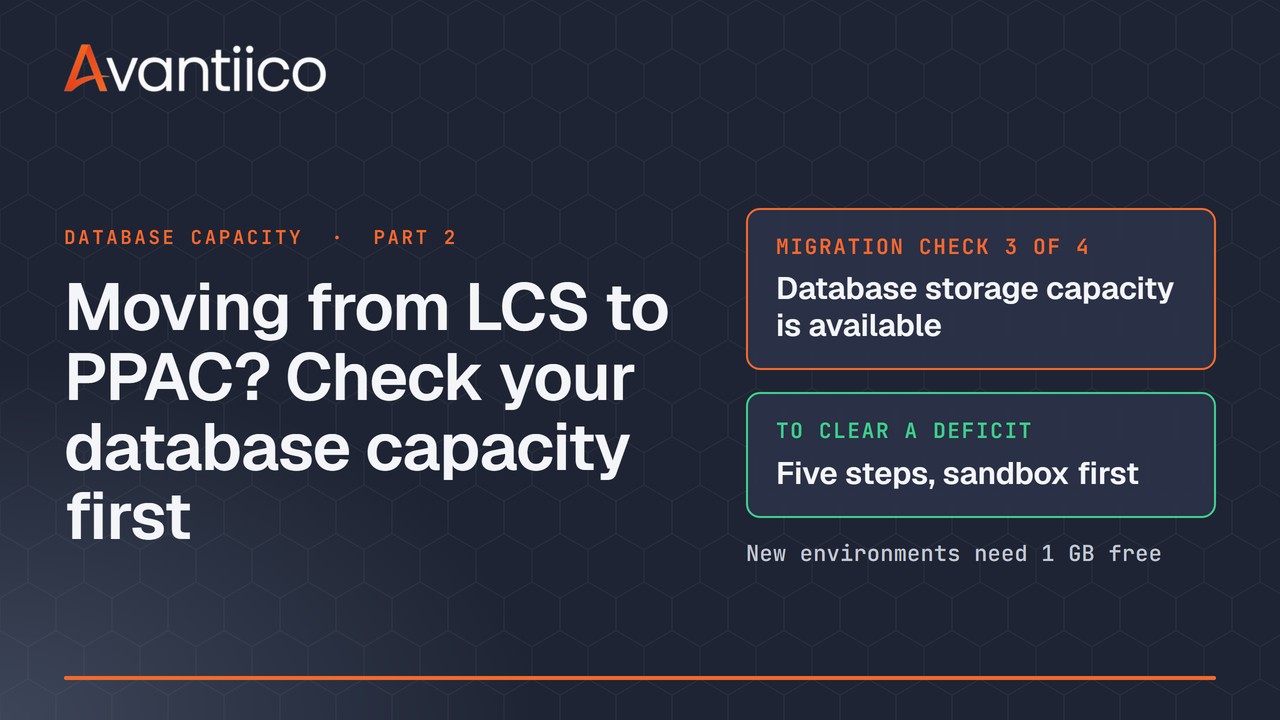
- Why it matters now: the LCS to PPAC migration checks database capacity.
Companion article
Database Capacity, Part 1: Cutting D365 Licenses Shrinks Your Storage Allowance, Not Your Data
Chapters
- 0:00The problem
- 0:12Where the allowance comes from
- 0:36One allowance per tenant
- 0:48What each license cut removes
- 1:03Example: 200 Finance users
- 1:26330 GB over
- 1:37A real tenant: 255 GB allowed
- 1:54900 GB used
- 2:11Read both views
- 2:22What happens when you're over
- 2:43Does this affect you?
- 3:07Bottom line