
Of the three strategies in this series for cutting D365 F&SC license spend, identifying inactive users is the one that saves the most, by a wide margin. It's also the one most likely to be done wrong, because "inactive" isn't the same question as "hasn't logged in." A user can go months without touching the client UI and still be doing licensable work in the system every day, through an integration point that never shows up as a login.
This is Part 1 of a three-part series. Part 1 covers strategy #1: finding your actual inactive users, using two data sources instead of one, and the two exceptions that keep the list from quietly cutting license access out from under people who are still working.
Two data sources, not one
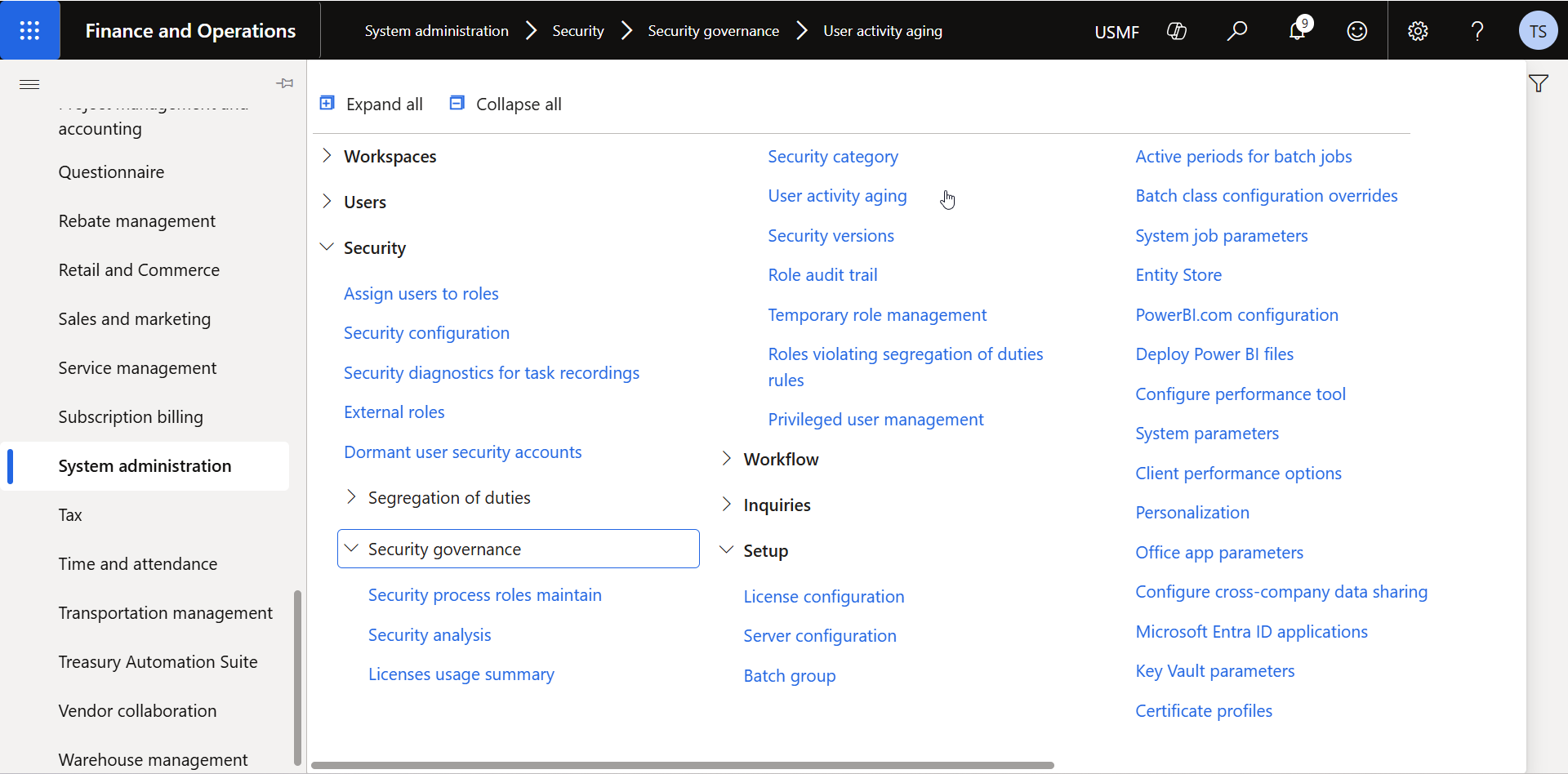
F&SC ships a built-in report for this: System administration → Security → Security governance → User activity aging. It breaks activity down by 7, 30, 90, 183, and 365-day windows, and shows whether each user is currently enabled and when they last logged in via the user interface.
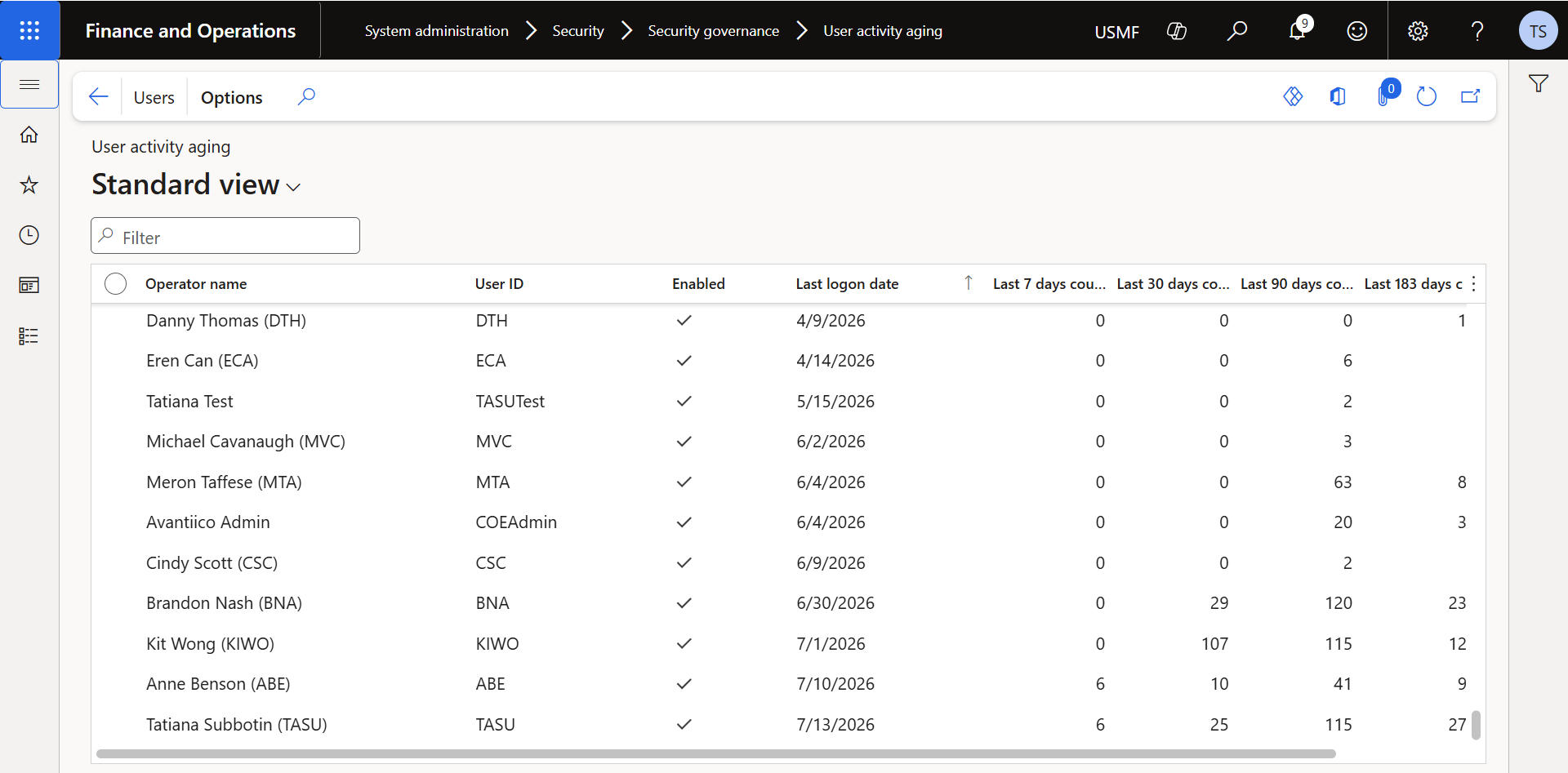
User activity aging only tracks logins through the user interface. Thin-client and integration users, people who create records in F&SC indirectly through an integration point, never show up as logging in, so they land on the inactive list whether they're actually inactive or not.
The second source is telemetry, the same Application Insights data we cover in the telemetry configuration guide. Comparing this against the activity aging report across multiple clients, telemetry consistently gives the more accurate picture: it captures a wider range of integration activity that the built-in report simply doesn't see. The same query from that guide applies here directly.
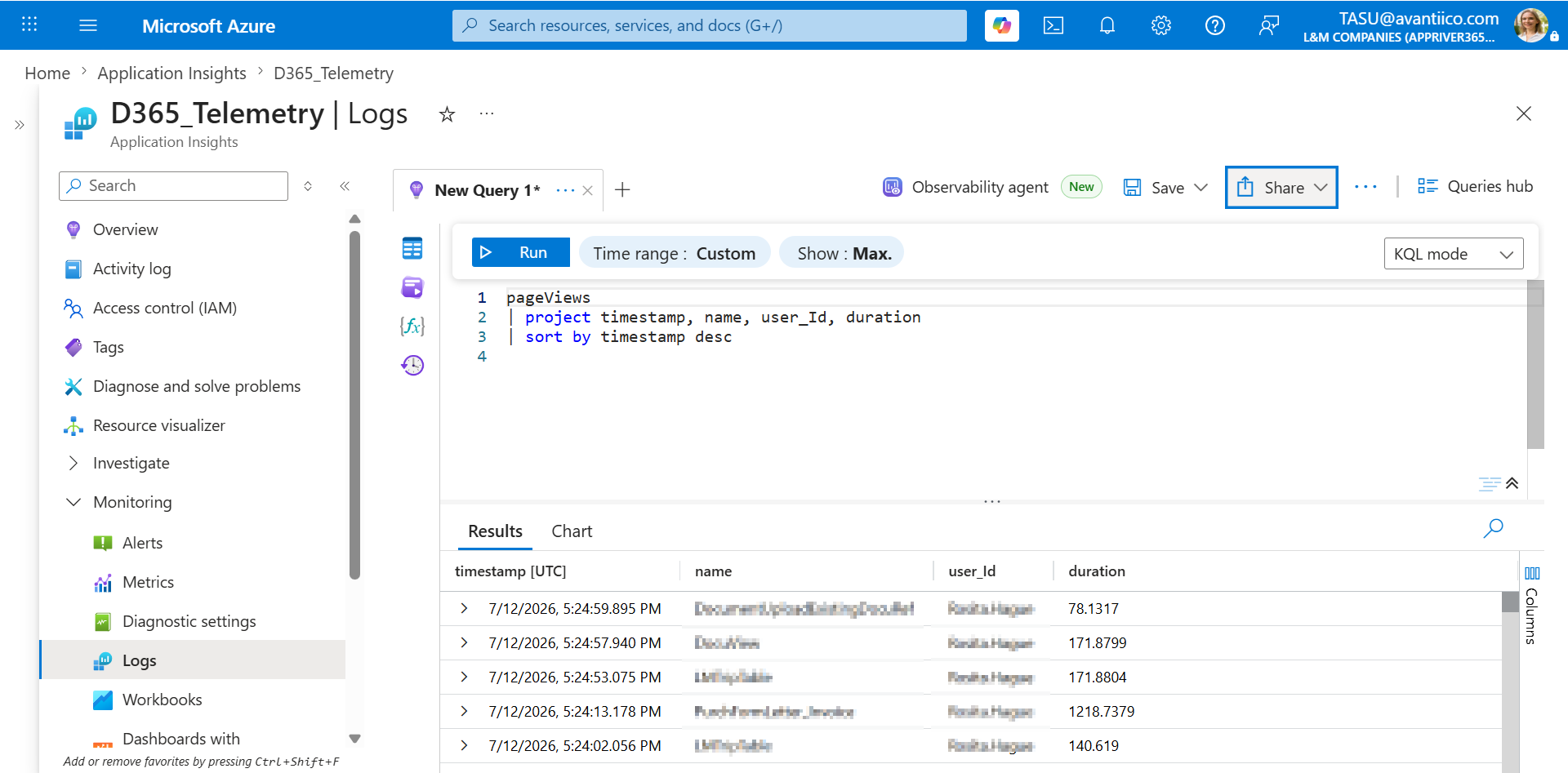
Used together, the two sources give a reliable enough picture to act on. Used alone, either one has a blind spot: the built-in report misses integration activity, and telemetry alone won't tell you whether an account is formally enabled.
Setting the threshold
For most clients, the starting point is 90 to 120 days of inactivity across both sources. If a user shows no activity in that window in either the activity report or telemetry, they go on the candidate list for license removal. From there, two exceptions determine who comes back off it.
Exception 1: Service accounts
Service accounts exist to move data between systems through API integration points. They don't represent a person, and they never should be flagged inactive or pulled off the candidate list into a real reduction. Exclude them from this analysis entirely and treat them as permanently active; a service account going quiet is an integration problem to investigate, not a licensing opportunity.
Exception 2: Which integration pattern is in play
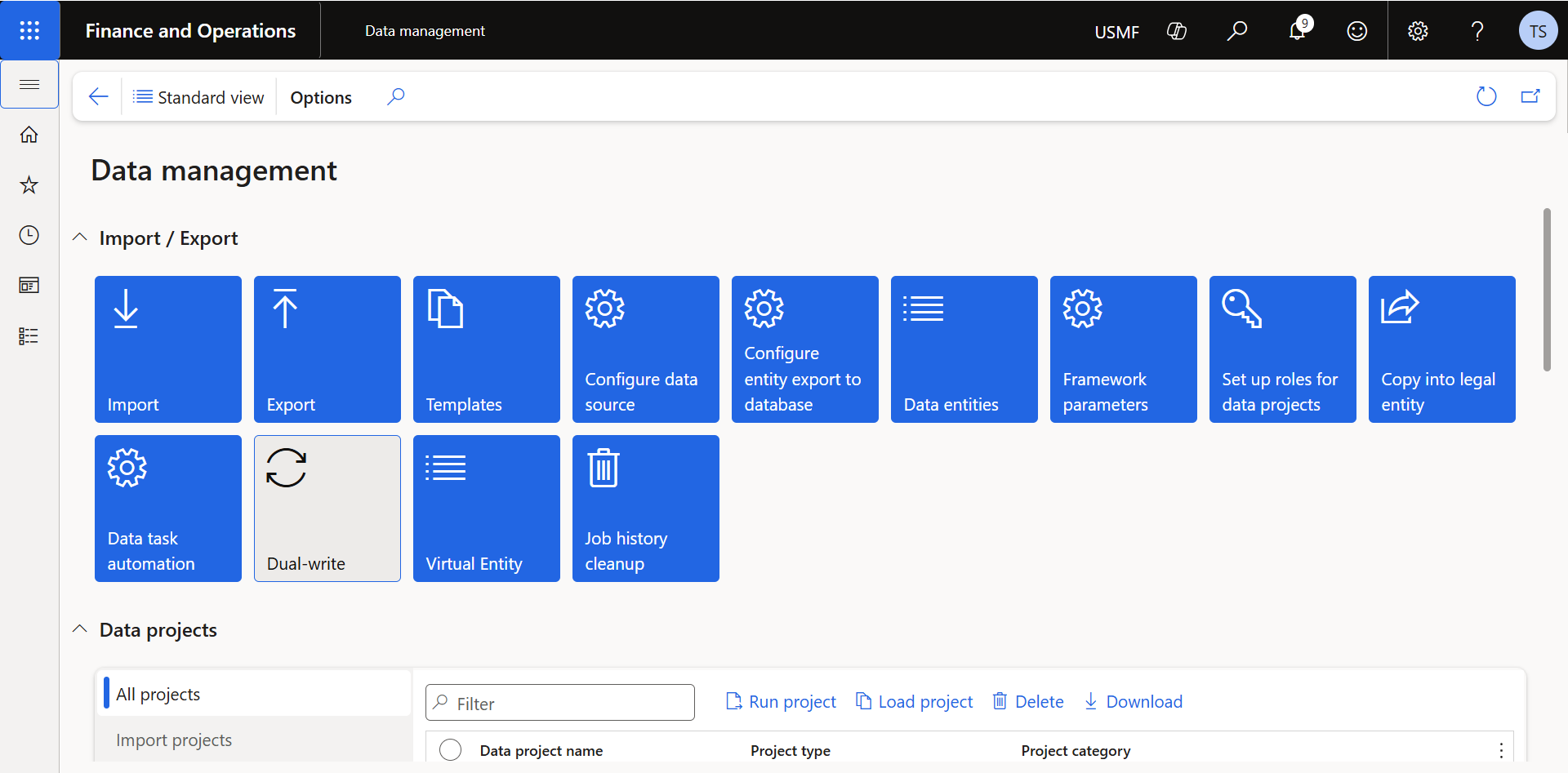
This is the exception that actually requires judgment, and it comes down to which of two integration patterns is connecting F&SC to Power Platform: virtual entities or dual-write. They put very different licensing requirements on the same-looking "user is active somewhere else" situation.
| Integration type | Example | User active in F&SC? | F&SC license required? |
|---|---|---|---|
| Virtual entity | Invoice Capture App | Yes, roles assigned in both Power Platform and F&SC | Yes |
| Dual-write | Project Operations, Field Service | Not necessarily | May not be required |
A virtual entity is a live, direct view onto F&SC tables, accessed using the same user identity in both Power Platform and F&SC. That identity has to stay active and licensed in F&SC for the integration to work. The user isn't optional in this pattern, they're the connection.
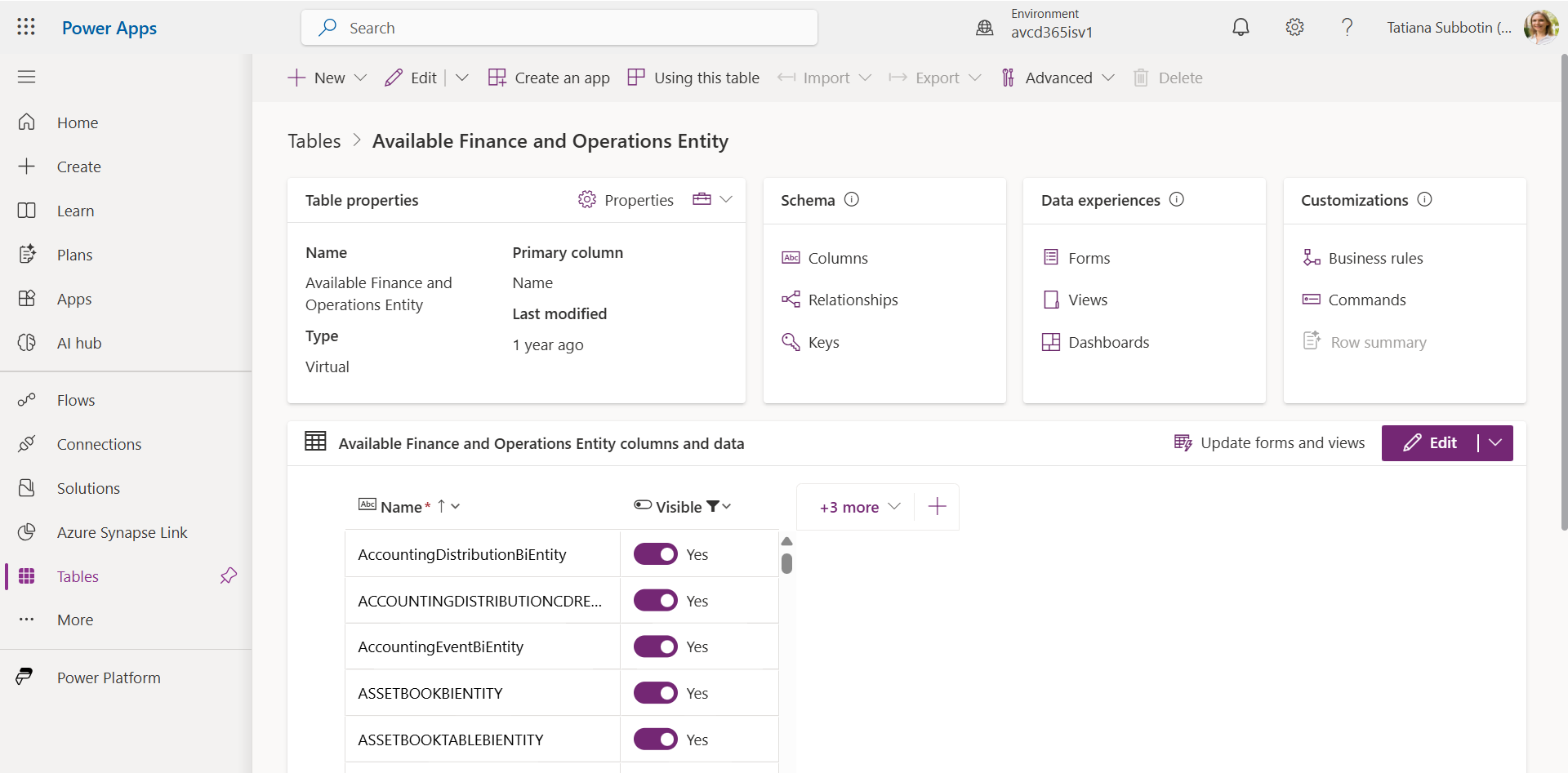
Dual-write works differently: F&SC records are duplicated into the Power Platform data source, and a service account, not the human user, keeps the two copies in sync. The person working in Project Operations or Field Service can be fully active there without ever needing to be an active, licensed F&SC user, because the service account is doing the F&SC-side work on their behalf.
Virtual entity = the user's own identity touches F&SC directly, so they stay licensed. Dual-write = a service account touches F&SC on the user's behalf, so the user may not need an F&SC license at all.
Practically, this means before disabling or delicensing anyone who shows up "inactive" through a Power Platform app: check which integration pattern connects that app to F&SC. Get it backwards, and you either strip access from someone still doing real F&SC work through a virtual entity, or keep paying for a license a dual-write user never actually needed.
Inactive-user identification saves more than any other overlicensing strategy, but only when it's built on two data sources instead of one, with service accounts and integration-pattern exceptions carved out before anyone's license gets touched.
Part 2 of this series covers the next strategy: two security-configuration mistakes that pass an access review clean and still bump license tiers. In the meantime, the two-source method here pairs directly with configuring telemetry if you haven't already, and with the tier-mapping patterns in D365 F&SC Licensing 101 once your inactive-user list is clean.