
Once the user population is validated, D365 licensing stops being a counting exercise and turns into a security-structure one. This stage is where the actual cost gets explained, and where most teams get stuck, because they can see who has access without being able to say why that access costs what it costs.
Quiet users aren't always inactive users
Before deactivating anyone flagged as inactive, check whether their apparent silence is really the whole story. User Activity Aging shouldn't stand alone as a deactivation trigger. Some legitimate users work through thin clients or integrations that never register in standard UI-based reporting. When a batch of quiet users shares a suspicious role pattern, pull the transactional evidence (CreatedDateTime, CreatedBy, ModifiedDateTime, ModifiedBy) before touching their access. If they're creating or modifying records, they're active, telemetry silence notwithstanding. The difference between a defensible review and a blunt-force cleanup is exactly this check.
Find the expensive roles before the expensive users
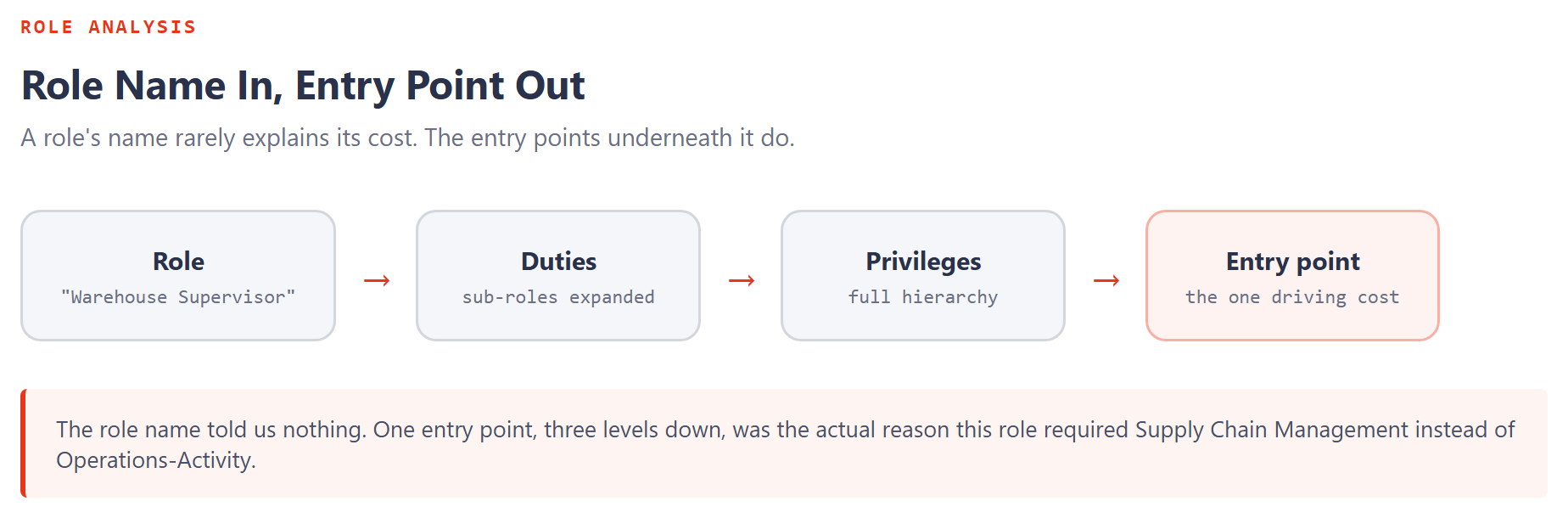
Pairing a license-by-role view with a full security-structure view is what turns "who has access" into "why does this cost so much." The license-by-role view shows the intersection of user, role, and workload. The security-structure view expands that role into its actual hierarchy: sub-roles, duties, privileges, entry points. Together, they usually surface the same pattern: the problem isn't the number of users, it's that one role is doing far more than any single job function needs.
A single broad role spanning Supply Chain, Finance, Commerce, Human Resources, or Project Operations can force a higher-cost requirement onto every person holding it, even when most of them only ever touch a fraction of that access. Roles requiring one or more Enterprise-tier licenses belong at the top of the review queue. They're where redesign work pays off fastest.
Role names lie. Entry points don't.
Once the expensive roles are identified, the next question is which specific entry points inside them are actually responsible. A role name is often misleading on its own. What actually drives cost is the entry-point footprint underneath it. Mapping entry points to their license requirement is how you get to the single most useful question in the entire review: which specific access path is causing this role, or this user, to require a more expensive license than the business process needs? Until that's answered, any optimization is guesswork.
Two roles with identical names in two different tenants can carry wildly different license requirements. What matters is never the label. It's what's actually entitled underneath it.
Device roles: real savings, but only when the work pattern matches
Device-based scenarios are one of the most misunderstood corners of D365 licensing, especially in manufacturing, warehousing, and retail. Microsoft has published classifier roles specifically for shared-device usage (production floor worker, retail store manager, warehouse worker) that don't carry a named-user license requirement on their own. They're built for people who genuinely work only through a shared device. Assigned to someone functioning as a standard named business user, they stop being an honest reflection of that person's actual access, and the role model should say so rather than use a device classification as a workaround.
Service roles need governance, not a free pass
A large group of integration-oriented and background-operation roles carries no license requirement at all when assigned on their own. That doesn't mean they're exempt from review. A no-license service role combined with a genuine business role can still change a user's effective licensing picture. The combination is what matters, not either role in isolation. Service-role classification needs to be reviewed inside the full assignment model a user actually holds, not treated as automatically safe because the role itself is free.
By the end of this stage you should know which roles are expensive, which specific entry points are responsible, and which device or service roles are being classified correctly. The next question is whether any of that assigned access is actually being used, which is where telemetry comes in.